

Turn on Create multiple sizes and choose Responsive web to make several widths of each photo. This prepares the files. Your website still needs to select a suitable size for each visitor.
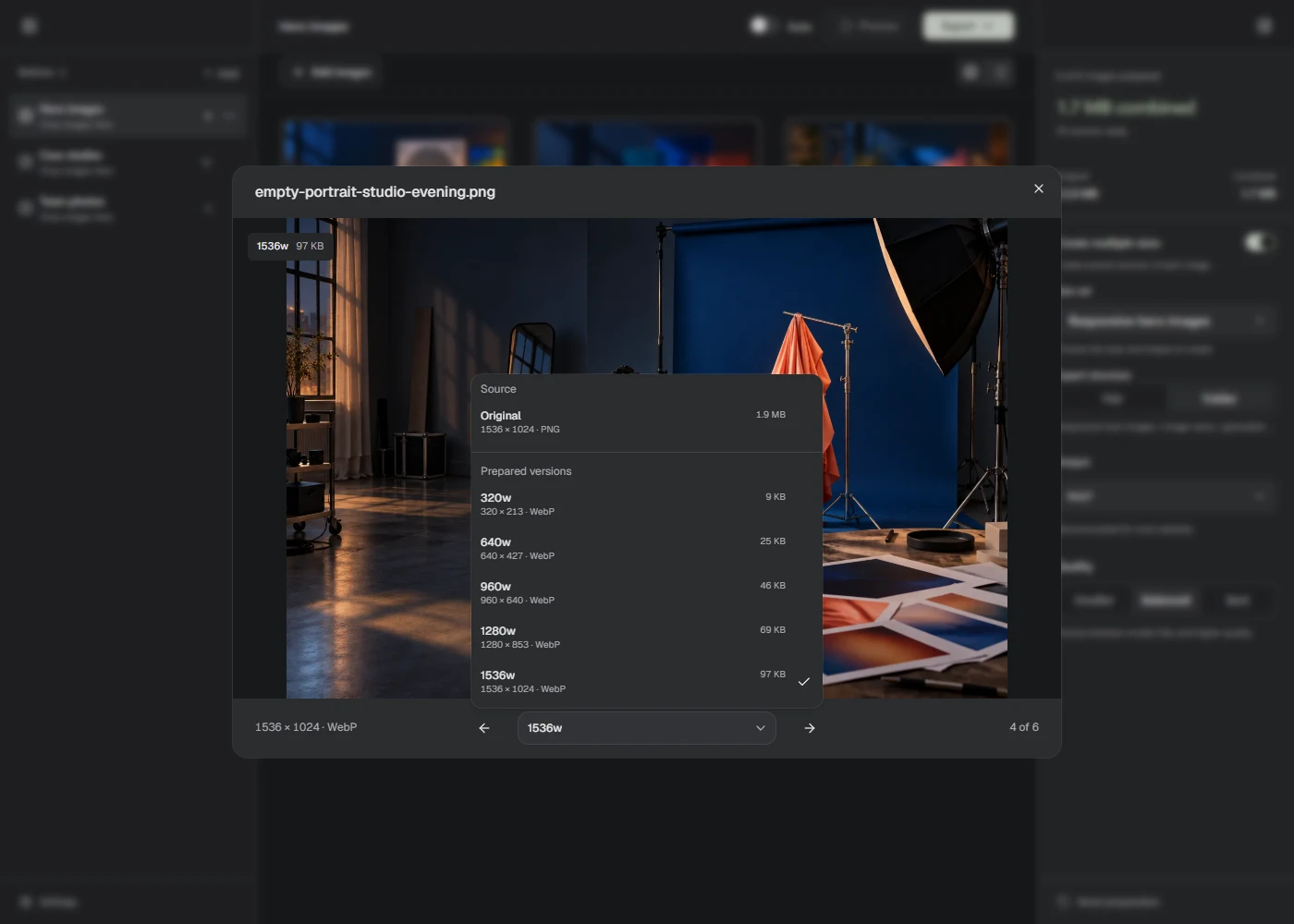
Create the files
- Add the original images to a Batch.
- Turn on Create multiple sizes in the right sidebar.
- Open the Size set picker, choose Responsive web, then Use. The set requests widths of 320, 640, 960, 1,280, and 1,920 pixels.
- Choose your Output format and Quality, then Process.
- Open a result and use the preview’s size picker to inspect the versions. Choose Export to save them.
Small originals aren’t enlarged. If requested widths exceed an original’s width, Lumo uses the source width and skips duplicates. Check the actual filenames and dimensions before using them on your site.
Export structure → Flat keeps files together. Folder groups them by size set and source image. The preview in the sidebar shows the folder layout.
For your own widths or crops, build a custom output set. That guide explains each field and how to save a set for later.
Use them on your website
If your website builder makes its own responsive images, check its upload guidance before adding every version. It may only need one sufficiently large source.
For a site you build yourself, srcset lists the available files and their widths. sizes describes the space the image occupies in your layout. The browser uses that information to choose a file. See MDN’s responsive image guide.
For example, these files could come from a 1,920 × 1,280 original named cabin.jpg, exported as WebP with a Flat structure:
<img
  src="/images/cabin-960w.webp"
  srcset="/images/cabin-320w.webp 320w,
          /images/cabin-640w.webp 640w,
          /images/cabin-960w.webp 960w,
          /images/cabin-1280w.webp 1280w,
          /images/cabin-1920w.webp 1920w"
  sizes="(max-width: 672px) calc(100vw - 32px), 640px"
  width="1920"
  height="1280"
  alt="Wooden cabin beside a lake"
/>
This example assumes the image fills the screen minus 16 pixels on each side, up to a displayed width of 640 pixels. Your site’s CSS must match that layout. Change the paths, widths, dimensions, and alt text to match your own image.
The combined size of all exported versions is your total output, not the amount every visitor will download.