Images.
Ready.
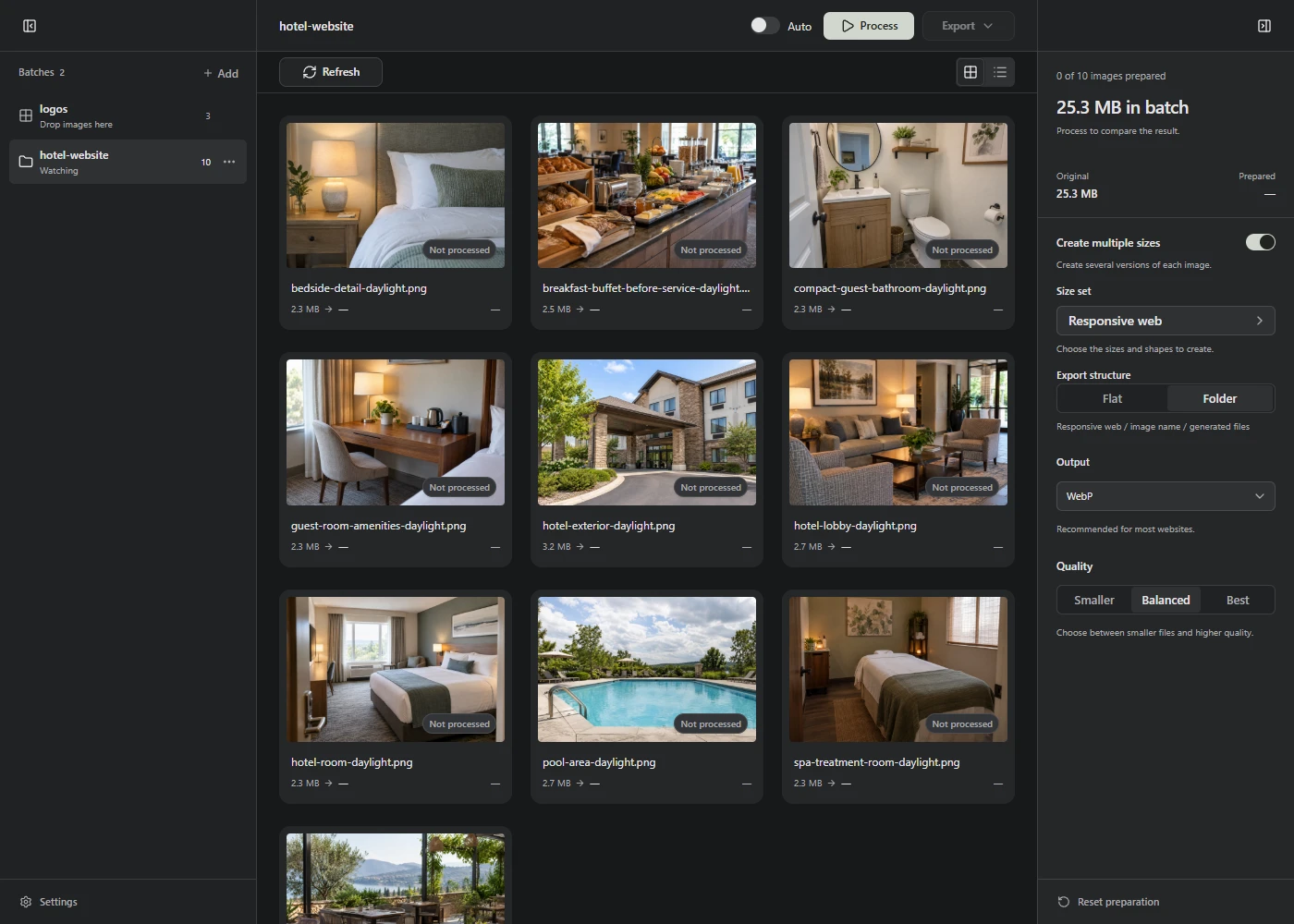
Turn a batch of originals into smaller images, in the sizes your website needs. Open Lumo in your browser, no account needed.
Beautiful images.
Less waiting.
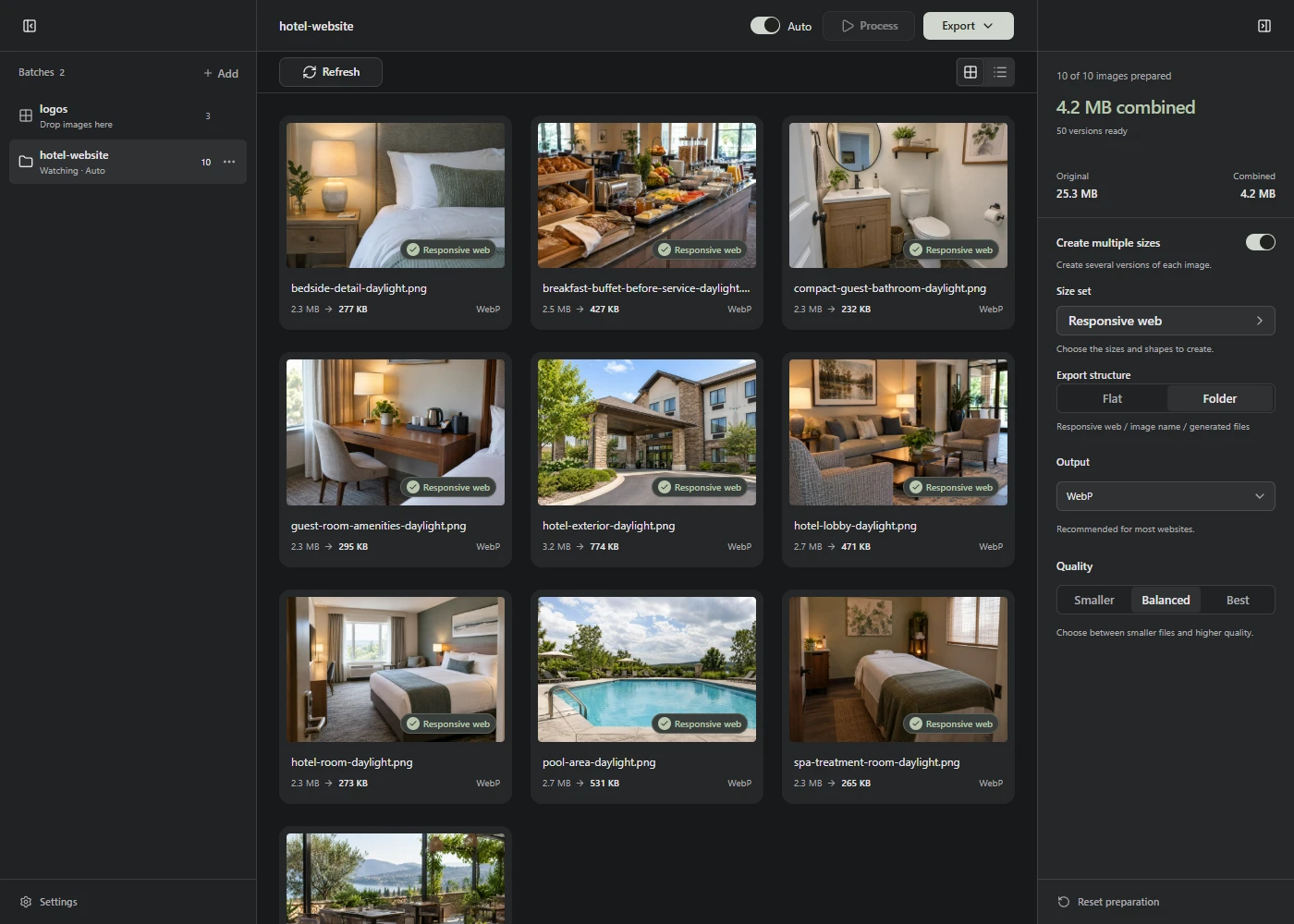
Photos often contain far more detail than a website needs. That makes them heavier to download. Lumo makes the files smaller, so your images load faster.
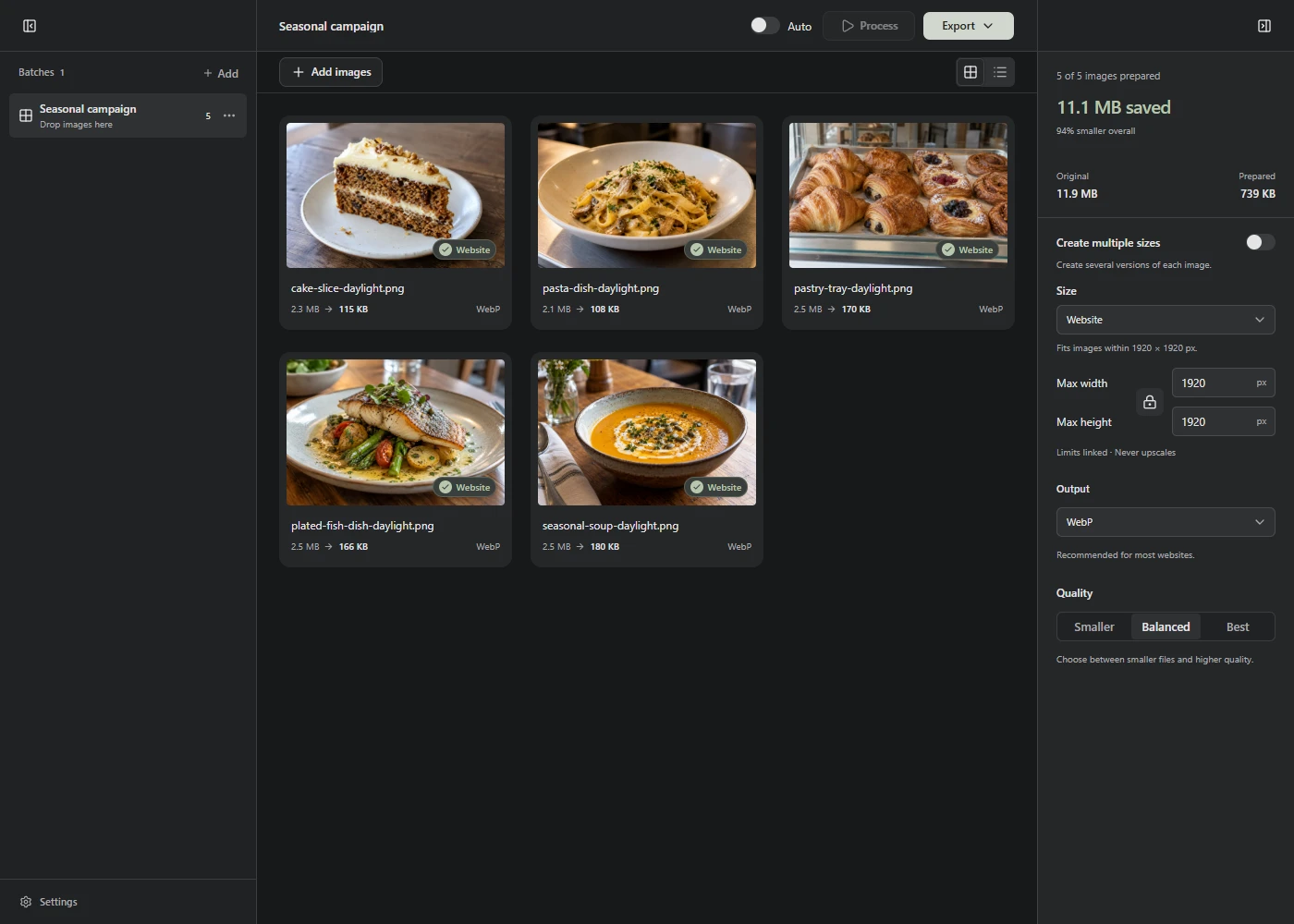
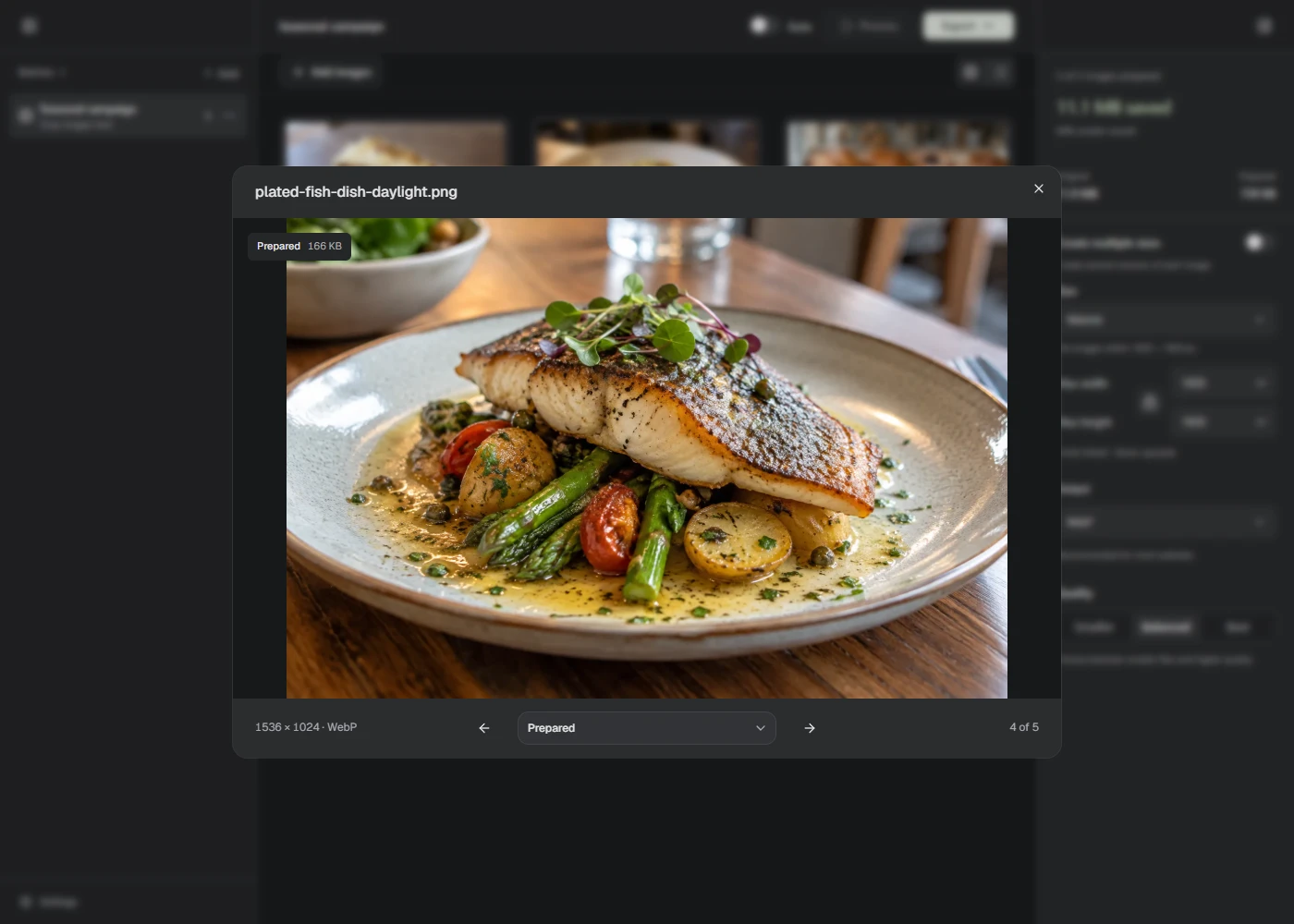
A real five-image batch prepared with Lumo’s Website preset. The originals totalled 11.9 MB and the prepared copies 739 KB. Results vary by image.
Different projects.
One focused tool.
Bring the
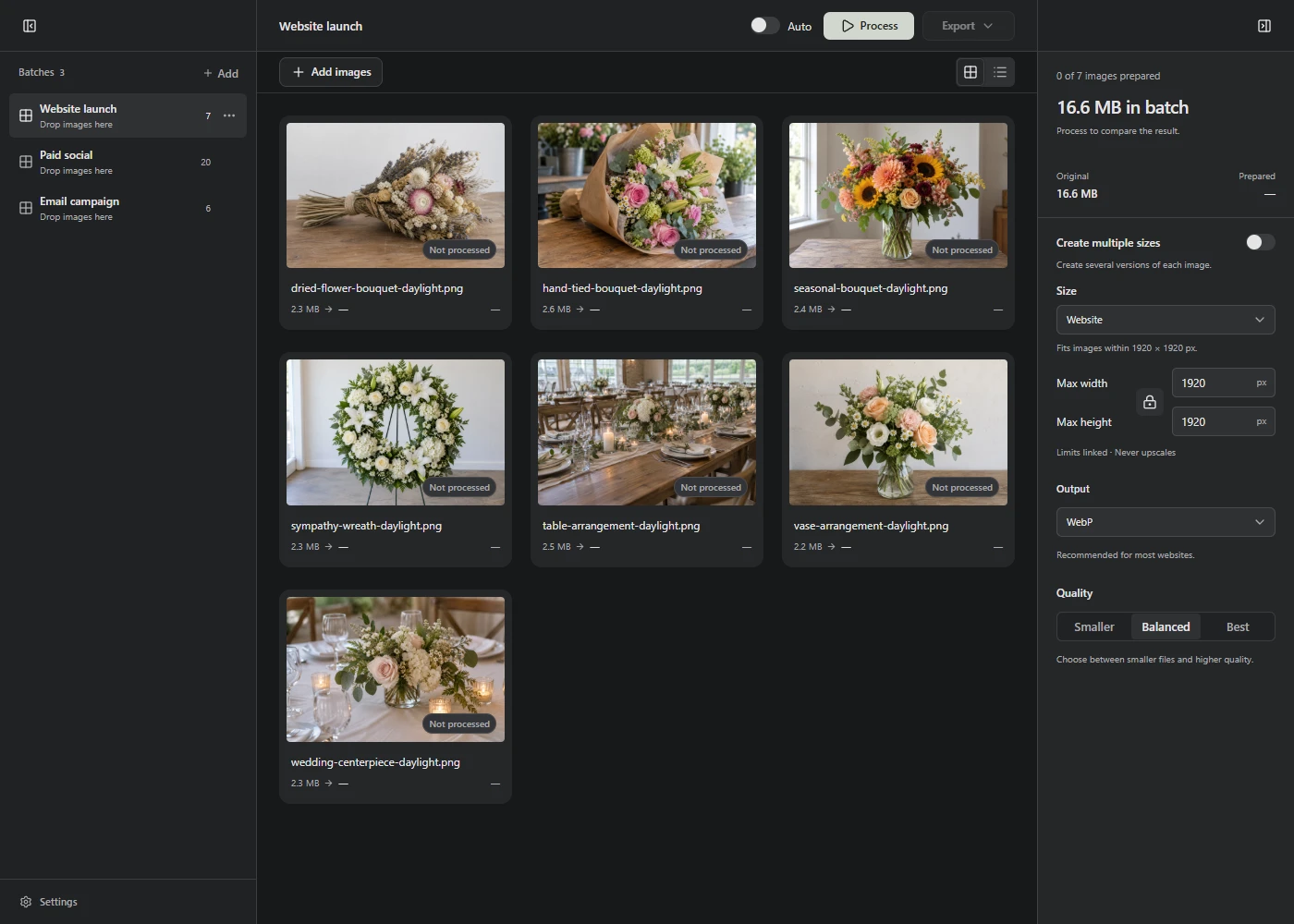
whole batch.Keep a website launch, paid social, and email campaign as separate jobs. Each batch keeps its own images, settings, and results. Processing stays on your device, and your originals stay untouched.
The sizes
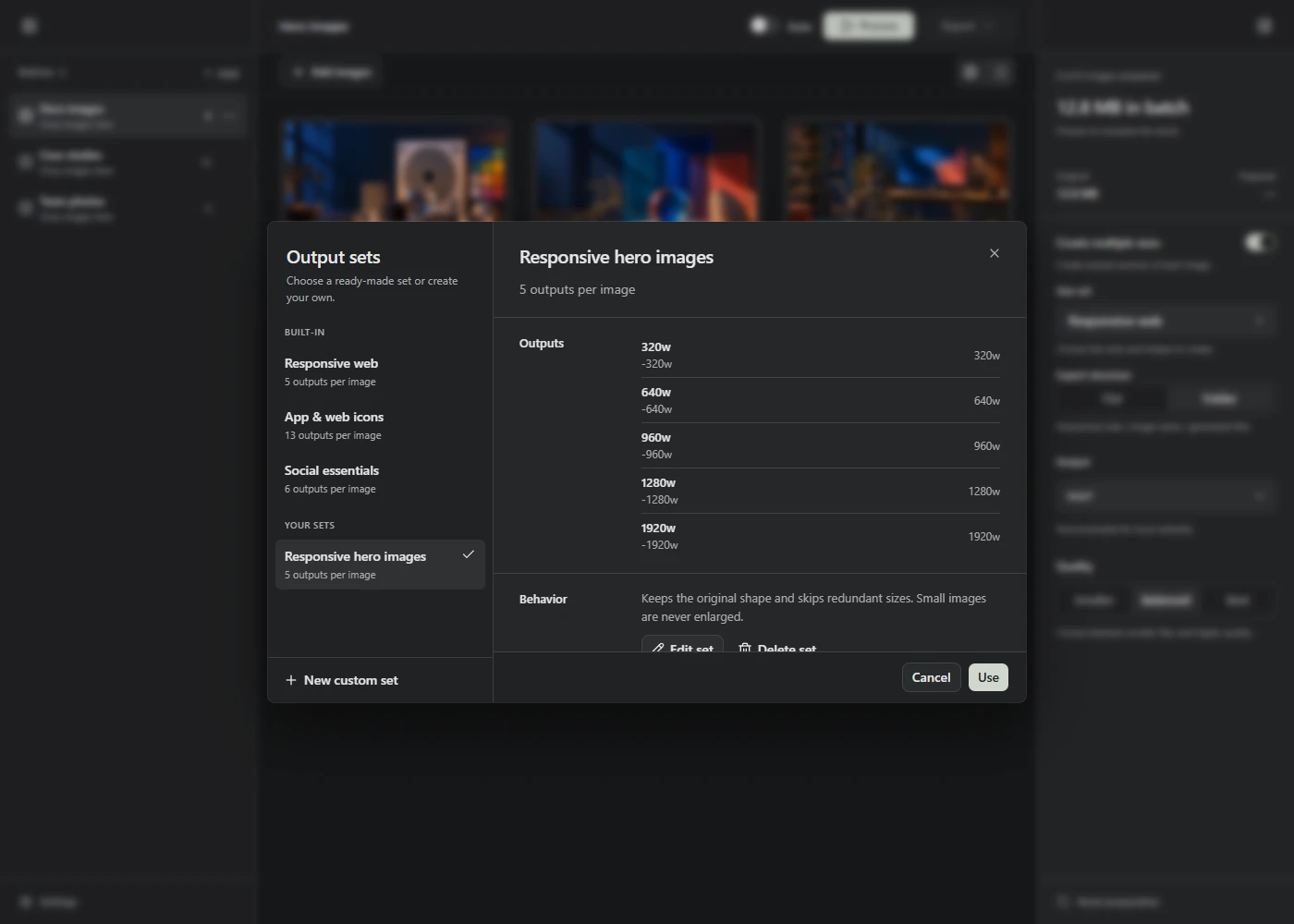
your site needs.Start with a web-ready default, or create a reusable output set for responsive client work. Name every size once, then prepare the whole batch with one action.
A folder that
stays ready.Connect a project folder, choose its preparation recipe, and refresh when files change. In supported browsers, Auto-process can prepare and save new images while Lumo stays open.